
MedClinic Reservation System
A web system that brings a clinic's reservations, cash desk and financial reports together in one panel
From registration to payment and from payment to report, the whole process is in one system. The patient's reservation is recorded, examinations are assigned, payment is taken at the cash desk and every figure flows into the reports automatically. It runs in the browser, so there is nothing to install.
- 6
- modules
- 2
- user roles
- 2
- payment methods
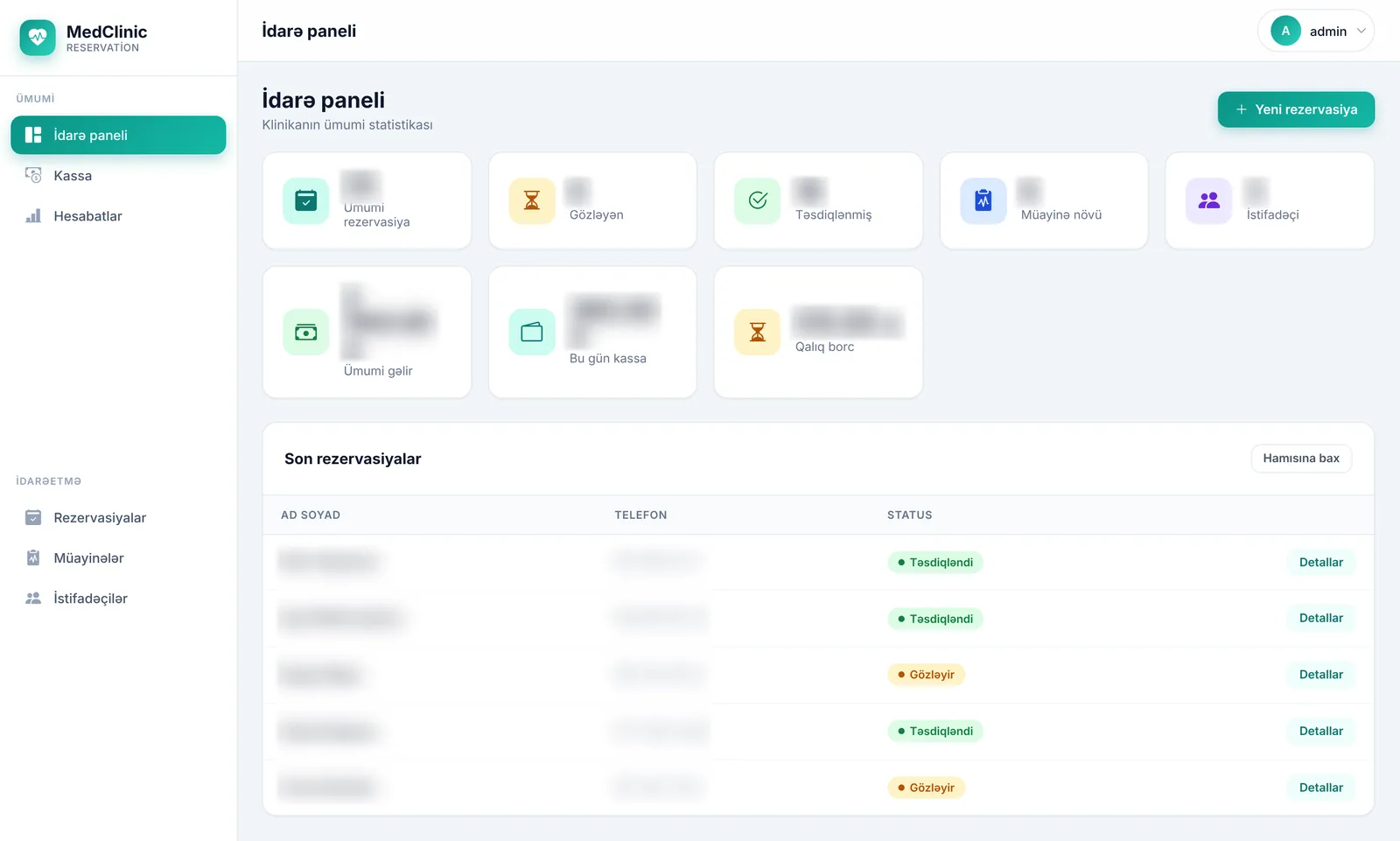
Every amount has a reservation behind it
Revenue, outstanding debt and the daily cash desk are all calculated from specific reservations and payments. The question “where did this number come from?” always has an answer.
Clinics and medical centres
Clinics, diagnostic centres and laboratories that provide examinations and want to track patient intake, payments and revenue in a single system.
Problems it solves
Workflow: from registration to report
The system follows the clinic's real sequence of work. Each step takes over the data of the previous one, so no number is entered twice.
Reservation
The patient's first name, last name, phone, date of birth and national ID (FIN) are recorded. The reservation is created with the status “Pending”.
Choosing examinations
Several examinations can be added to one reservation. Prices are taken from the examination catalogue automatically and the total is calculated.
Confirmation
When the patient arrives, the reservation is confirmed and the confirmation date is recorded.
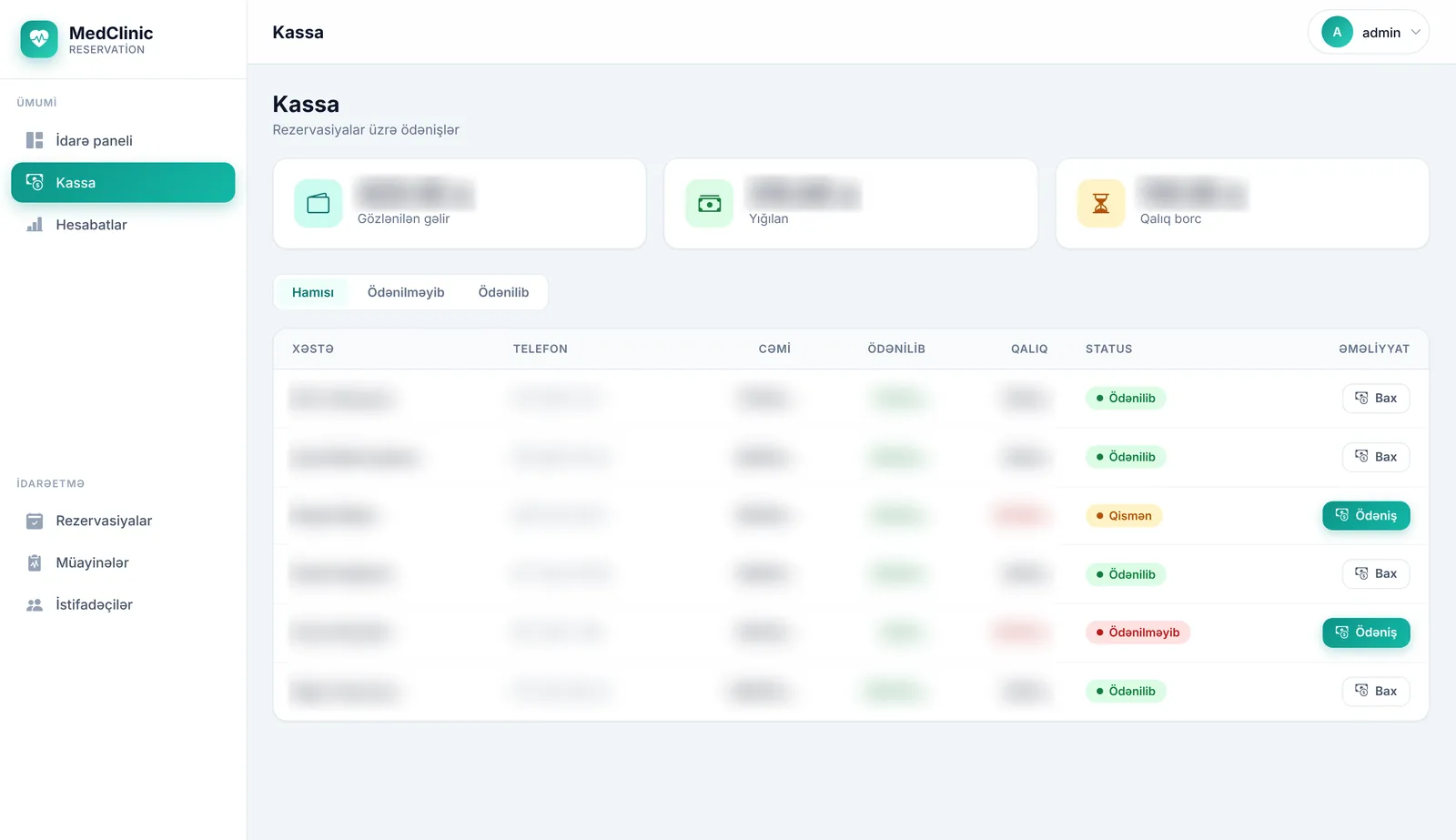
Payment at the cash desk
Payment is accepted in cash or by card, in full or in instalments. The outstanding balance updates immediately and every payment is kept in the history.
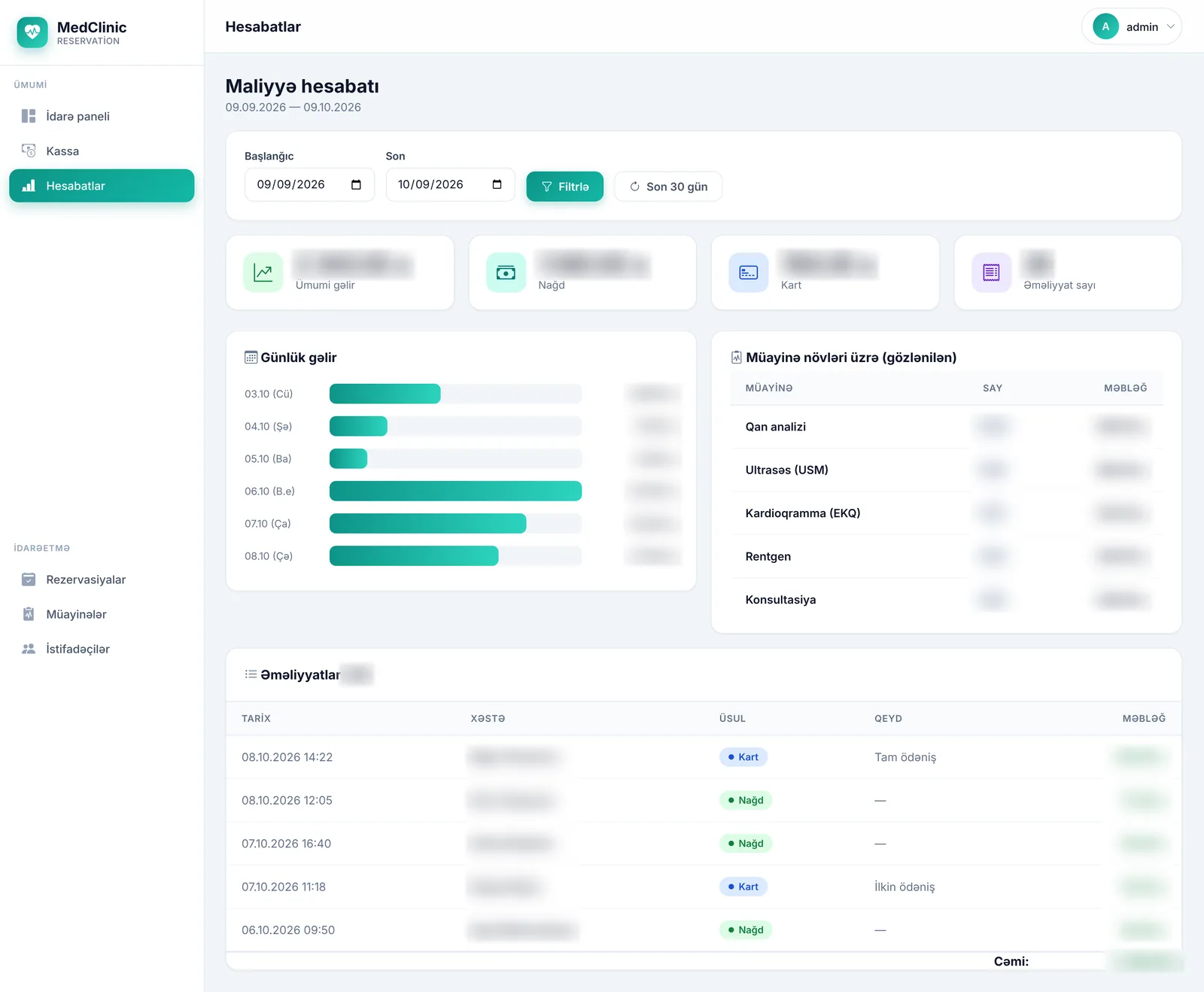
Reports
The dashboard and the financial report update automatically: total revenue, today's cash desk, outstanding debt, daily trend.
Every patient's path is traced end to end: when they were registered, which examinations they had, how much they paid and how much they still owe. The chain never breaks.
Roles and security
Each user sees only the sections they are allowed to. Staff see their daily work; the financial picture stays with management.
Technical foundation
- Platform
- ASP.NET Core 8 MVC
- Database
- PostgreSQL 16
- Sign-in
- Identity, role-based
- Installation
- Docker Compose
- Usage
- Browser, mobile-friendly
- Updates
- Automatic migrations
See how it would work in your clinic
Get in touch for a demo, installation and additional modules.